


Practical learning · Drone Emotions
DJI Terra Training & Workflow Support
Build a clearer path from drone data to maps, 3D models and point clouds. Discuss DJI Terra training around your equipment, experience and the deliverables your projects need.
Whether you are learning the software, preparing a team or reviewing a specific workflow, start with your objective. We can help you define a relevant training request and agree its scope.
Individuals · Professional teams · Project-focused learning
Connect software skills with your real workflow
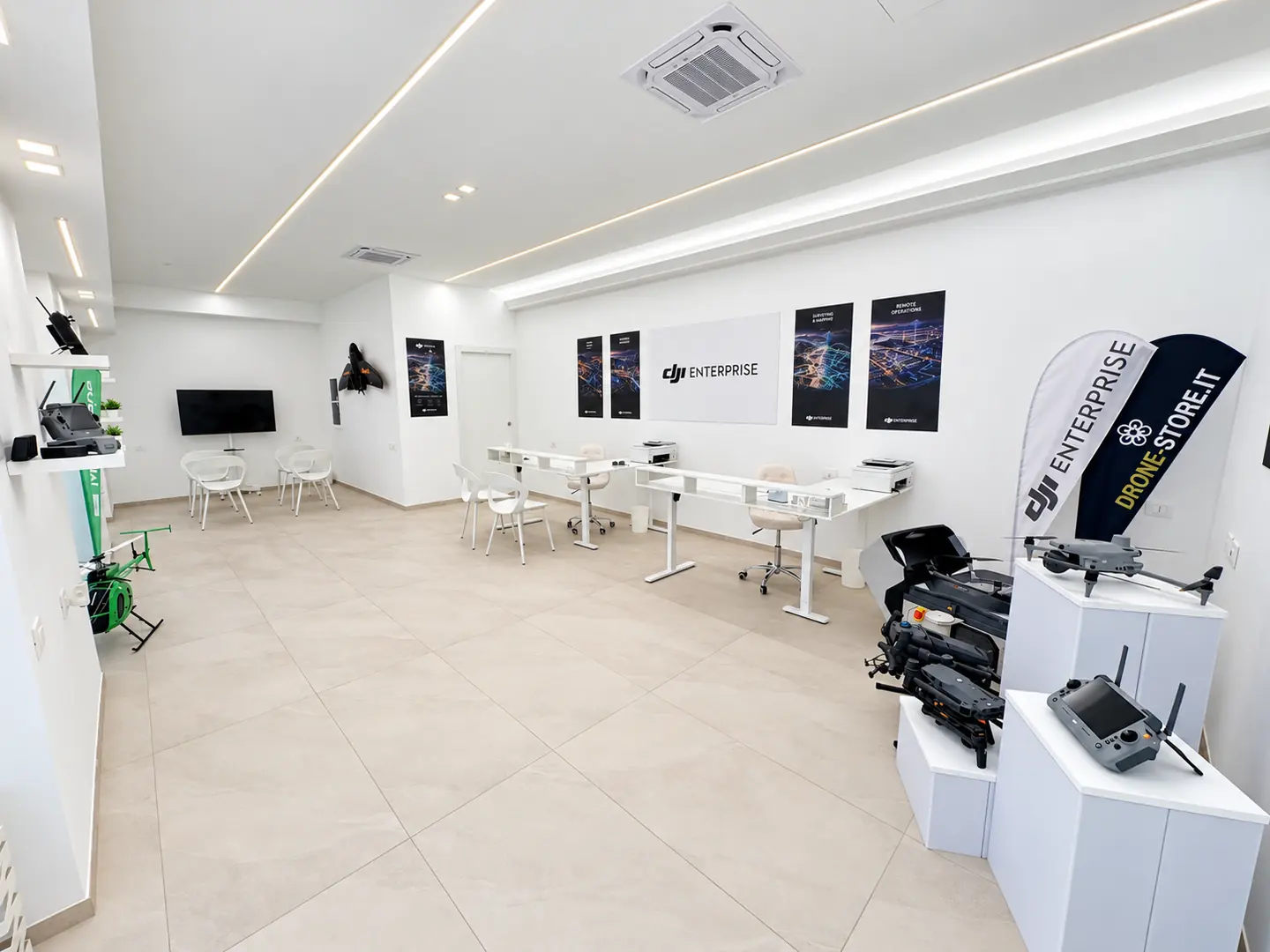
Drone Emotions brings together DJI Enterprise equipment, software guidance and practical training. We help professionals consider the complete sequence: data acquisition, project preparation, processing, quality review and handover.
A useful session starts with a specific task. You may need to understand your first orthomosaic, review a LiDAR workflow or help colleagues apply a consistent processing procedure.
Choose the starting point that fits your experience
These learning paths help frame your enquiry. The proposed programme can be adapted to the participants, software entitlement and available data.
Learn the core workflow
For new users who want a structured introduction to project preparation, reconstruction settings and output review.
- Understand the role of the main processing stages.
- Prepare a representative practice dataset.
- Connect processing choices with the required deliverable.
Develop your team’s process
For organisations that want colleagues to follow a shared approach to data preparation, processing and handover.
- Review participant roles and current experience.
- Identify repeatable settings and quality checks.
- Discuss a project checklist suited to the team’s work.
Review a specific workflow
For users with a defined task, a processing question or a result they need to understand more clearly.
- Describe the dataset and the affected processing stage.
- Define the question to investigate.
- Agree a focused session and the preparation it requires.
Topics to include in your DJI Terra training request
Choose the areas relevant to your sensor and project. The final programme should identify the tools, exercises and software versions to be covered.
Setup & project preparation
Review the workstation, software installation and license environment. Prepare source folders, image metadata and a clear project structure before reconstruction.
Useful preparation: System Requirements and Installation & Activation.
Photogrammetry & 3D reconstruction
Connect image coverage, sharpness and capture geometry with the reconstruction task. Explore the settings and review steps for maps, surface models and textured meshes.
Useful preparation: DJI Terra features and outputs.
Coordinates, GCPs & quality review
Understand coordinate and height references, control data and independent checkpoints. Learn how to review quality information alongside the project’s acceptance requirements.
Useful preparation: Accuracy, GCP & RTK and the Quality Report Guide.
DJI LiDAR processing
Discuss source-data preparation, the relevant processing sequence, point-cloud inspection and supported terrain outputs for your DJI LiDAR sensor.
Include the exact payload and Terra version. Our Supported Drones & Sensors Guide helps prepare those details.
Exports & client handover
Plan the output around the receiving team. Review file selection, units, coordinate references and the checks needed when opening results in downstream applications.
Useful preparation: Model Viewing & Sharing.
Workflow troubleshooting
Approach an issue using the software version, workstation details, input data and exact processing stage. Distinguish a capture problem from a setup, processing or export question.
For an existing issue, start with our Reconstruction Troubleshooting Guide.
Also working with DJI Modify? Describe the editing task and file type in your enquiry so the suitability of a combined session can be reviewed. Our Terra vs Modify guide explains the role of each application.
Agree the programme before scheduling
Training works best when the objective, participants and practical arrangements are clear.
Explain the learning goal
Tell us what participants can already do and what they need to learn. Include the equipment, source data and outputs the session should address.
Confirm the arrangements
Discuss remote or in-person delivery, session language, participant numbers, duration and preferred dates. Programme, availability, price and included services are confirmed in the proposal.
Prepare for useful practice
Check the software and computer, agree any sample data and identify the exercise to complete. Clarify any materials, notes or follow-up you want included.
Purchasing for a team or institution? Use our Business & Institutional Purchasing guide to prepare quotation references, supplier information and any onboarding requirements. Request software licenses and training as separate, clearly described items when both are needed.
What to send us
You can start with a short description. These details help us understand the request and assess a suitable programme.
Your team & objectives
- Individual, company or institution name.
- Number of participants and current experience.
- The workflow or question you want to cover.
- Required maps, models, point clouds or other outputs.
- Preferred language, delivery format and time zone.
- Preferred dates and any purchasing deadline.
Your processing environment
- Drone, camera or LiDAR payload.
- Terra version, edition and online or offline setup.
- Operating system, graphics card, memory and storage.
- Typical dataset size and available control data.
- Receiving software and handover requirements.
- A sample-data proposal, where you are authorised to share it.
Ready to describe your training request?
Use the contact form and select the enquiry type that best matches your request. Begin the Details field with “DJI Terra training request”, then add your objectives and the information above.
Start learning with the resources already available
Explore these resources before a session or when preparing the questions you want to discuss.
Watch a workflow
Our video library brings together DJI tutorials with practical notes on processing stages and result checks.
Find a practical guide
Browse the guide index for licensing, workstation preparation, equipment, accuracy and delivery workflows.
Explore training activities
Visit Enterprise Drone Academy for our wider DJI Enterprise training activities and published events.
DJI Terra training FAQ
Can I request training if I am new to DJI Terra?
Yes. Tell us your current experience and intended project. A useful introductory programme can focus on project preparation, the reconstruction sequence and understanding the outputs, with its scope confirmed before scheduling.
Can we organise a session for our company or university?
Send the participant numbers, experience levels, equipment and learning objectives. We can review a team-focused request and discuss the programme and practical arrangements. Include any quotation or supplier-registration requirements from your purchasing department.
Are remote and in-person sessions available?
State your preferred format, location, language, time zone and dates in the enquiry. Delivery arrangements and availability are confirmed in the proposal so you can plan around the agreed session.
Can we use our own dataset?
Describe the sensor, dataset size, control information and the task you want to cover first. The suitability of the data and any permitted transfer arrangements should be agreed before the session. Representative sample data can help keep the exercise focused.
Do I need a license and workstation for practical exercises?
Explain what software access and computer you have available. Practical requirements depend on the agreed exercise and the functions it uses. Confirm the appropriate entitlement, installation and workstation before scheduling hands-on work.
Is training included with a software-license purchase?
Read the services expressly included in your purchase or quotation. For a structured training programme, request its scope and price separately unless it is already identified in the offer. For an existing order or activation question, contact our team with the order reference.
Can a session focus on a reconstruction problem?
Send the version, workstation specification, input type, exact error or affected result and the stage where it occurs. These details help us assess whether the next step is a support enquiry, a training exercise or a more specific workflow review.
How much does DJI Terra training cost?
The proposal identifies the programme, format, duration, participants and included services. Send your requirements for a quotation. Ask about any materials, attendance documentation or follow-up you need so they can be included in the discussion.
Build your next session around a useful result
Tell us what you capture, what you need to deliver and where you want more confidence in the workflow. We can help you define a focused DJI Terra training request for you or your team.
Training enquiries are handled by Drone Emotions Srl, an authorized DJI Enterprise dealer. Official software documentation is available through our Download resources and the DJI Terra website. For software selection, use our License Guide.