

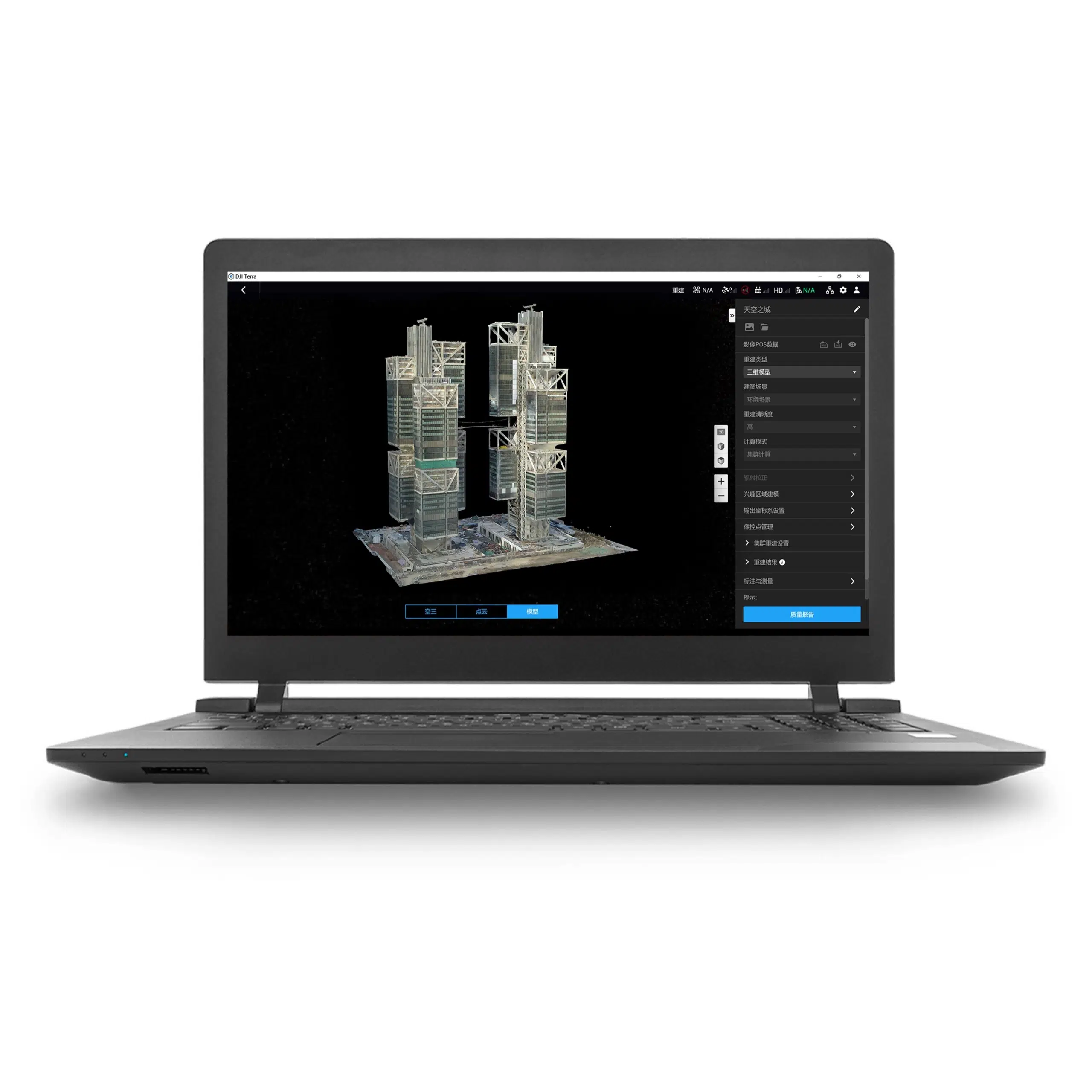


Flagship edition · 1-year term · Online license
DJI Terra Flagship 1 Year: advanced reconstruction for a defined project term
DJI Terra Flagship 1 Year is an annual online license for projects that require the Flagship edition. Alongside mapping and reconstruction workflows, Flagship includes Gaussian Splatting and Electricity Application in DJI’s current edition comparison.
Choose it around the outputs you need to deliver and the length of your processing programme. Our DJI Terra License Guide helps you compare editions, license terms and authorization methods before purchase.
License details at a glance
| Product | DJI Terra Flagship 1 Year |
|---|---|
| Edition and term | Flagship edition; one-year entitlement |
| Authorization | Online license; internet is required for paid features |
| Device entitlement | One bound workstation; DJI account activation and device binding apply |
| Start of the term | Online validity starts with activation; check the expiry in your license details |
| Delivery | Electronic license delivery by email |
| Estimated release | 1–2 hours on business days after payment confirmation and receipt of the required details |
| Currency and invoice | USD; invoice supplied by Drone Emotions |
| DJI Modify | Separate software; this listing is for DJI Terra Flagship |
Current price and tax information appear in the product purchase area and checkout. Read our Terms of Sale for ordering and delivery conditions.
When does Flagship make sense?
Gaussian Splatting
Use this reconstruction approach for photorealistic visualization. Agree the viewing environment and presentation requirements with the client before acquisition.
Electricity Application
This application is included in Flagship. Describe your electricity-sector task and required outputs so the capture method, equipment and software workflow can be reviewed before purchase.
Make the edition choice around a concrete deliverable. A project requiring a visual presentation, a survey handover or an electricity-sector workflow may need different acquisition, review and export arrangements.
Flagship or Standard?
| Capability | Standard | Flagship |
|---|---|---|
| 2D mapping | Included | Included |
| 3D mesh reconstruction | Included | Included |
| DJI LiDAR processing | Included | Included |
| Multispectral reconstruction | Included | Included |
| Gaussian Splatting | Not included | Included |
| Electricity Application | Not included | Included |
This is a focused comparison of the capabilities relevant to edition selection. Equipment and software-version requirements apply. Refer to the official DJI Terra license comparison for the full feature list.
If your deliverables use the shared capabilities, compare Standard 1 Year. For any cluster deployment, ask us to confirm the configuration and required entitlements separately.
Build a practical processing workflow
2D maps
Create orthophotos and surface models from suitable imagery. Define resolution, coordinate reference and acceptance checks before capture.
3D meshes and point clouds
Produce photogrammetric outputs for downstream applications. Agree the level of detail and file format before processing a large dataset.
DJI LiDAR projects
Process supported datasets into point clouds and terrain results. Confirm sensor compatibility and test the intended workflow.
Multispectral projects
Generate reflectance and vegetation-index outputs from compatible imagery. Prepare acquisition and field checks around the agricultural question.
Visit our DJI Terra Features page for more workflow information. Plan the final review and handover alongside acquisition and reconstruction.
Define your mapping acceptance criteria
Before acquisition, agree the survey area, required ground resolution, coordinate system and deliverables. For progress monitoring, retain a record of each visit so that the receiving team can compare results consistently.
Define independent checks with the survey team. Our Accuracy, GCP & RTK Guide helps you prepare questions about control, coordinate references and result verification.

Choose the right 3D handover
Specify whether the recipient needs a textured mesh, a point cloud or a Gaussian Splatting presentation. Agree the receiving application, viewing arrangements and required detail before scheduling the full reconstruction.
Run a representative test dataset and review the result with the client. Keep the source files, processing settings and accepted deliverables organized so revisions can be handled within the project schedule.
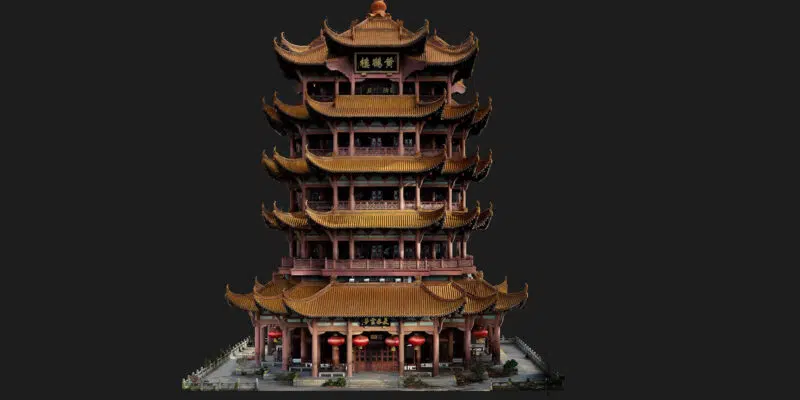
Plan the annual term around the full project
A defined processing period
Include installation, test processing, production and possible client revisions in the programme. Record the activation and expiry dates with the project documents.
Recurring work over several years
Compare Flagship Permanent if you expect an ongoing workload. Review the purchase against your procurement requirements and anticipated usage.
Arrange continuation before expiry
Confirm a valid entitlement before the current term expires if you need to continue using paid features. Contact us to review the appropriate renewal or purchase option before a time-critical delivery.
Prepare the account, equipment and workstation
- Describe the outputs. Identify the capability that requires Flagship and the files or presentation the recipient expects.
- Review the equipment. Check the drone or payload, dataset type and required software version.
- Plan the computer. Confirm a supported Windows and NVIDIA configuration, with RAM and storage appropriate to the workload.
- Confirm connectivity. This is the online product. Contact us if your processing environment must remain disconnected.
- Prepare activation. Select the DJI account and workstation that will hold the license before starting the procedure.
- System Requirements & WorkstationsPlan graphics, RAM and storage capacity.
- Supported Drones & SensorsCheck your equipment and required Terra version.
- Installation & Activation GuidePrepare the account, installer and binding steps.
- Accuracy, GCP & RTKPlan control and independent result checks.
Order and receive your annual license
Select the quantity and use the purchase button on this page. Enter your billing details and choose an available payment method. The automated order-confirmation email constitutes acceptance of the order by Drone Emotions.
Estimated email delivery is 1–2 hours on business days after payment confirmation and receipt of the required details. Orders received on non-business days are processed on the next business day. Payment clearance, incomplete information or availability can affect this estimate.
Follow the instructions supplied with the license and keep the invoice and activation message. Contact us before ordering if you need delivery arrangements for a project with a fixed start date.
Watch a reconstruction example
This short video illustrates a DJI Terra reconstruction. Visit our DJI Terra Video Tutorials for additional learning resources.
Questions about Flagship 1 Year
Is this a permanent entitlement?
No. This product has a one-year term. Flagship Permanent is a separate listing.
What is the main reason to choose Flagship?
Choose it when your project requires its additional capabilities. Use the edition comparison above and describe your intended deliverables if you need help deciding.
When does the licensed period start?
DJI states that online validity starts with activation. Check the expiry in the license details and keep it with your order records.
Do paid features require internet?
Yes, for this online license. Refer to the official DJI Terra FAQ for authorization requirements.
Can I use it freely on several computers?
The entitlement is bound to one workstation. Device-binding and unbinding rules apply; confirm a planned hardware change before activation.
Does this listing include DJI Modify?
This listing is for Terra Flagship. If you need Modify as well, select an expressly identified bundle or request a quotation for both applications.
Where can I get the installer?
Use our DJI Terra Download page or the official DJI downloads. Then follow the license activation instructions.
Confirm Flagship for your project
Send your sensor, expected dataset size, required outputs and intended license term. Include any deadline or deployment restrictions so we can help you confirm the product or prepare a company quotation.
