

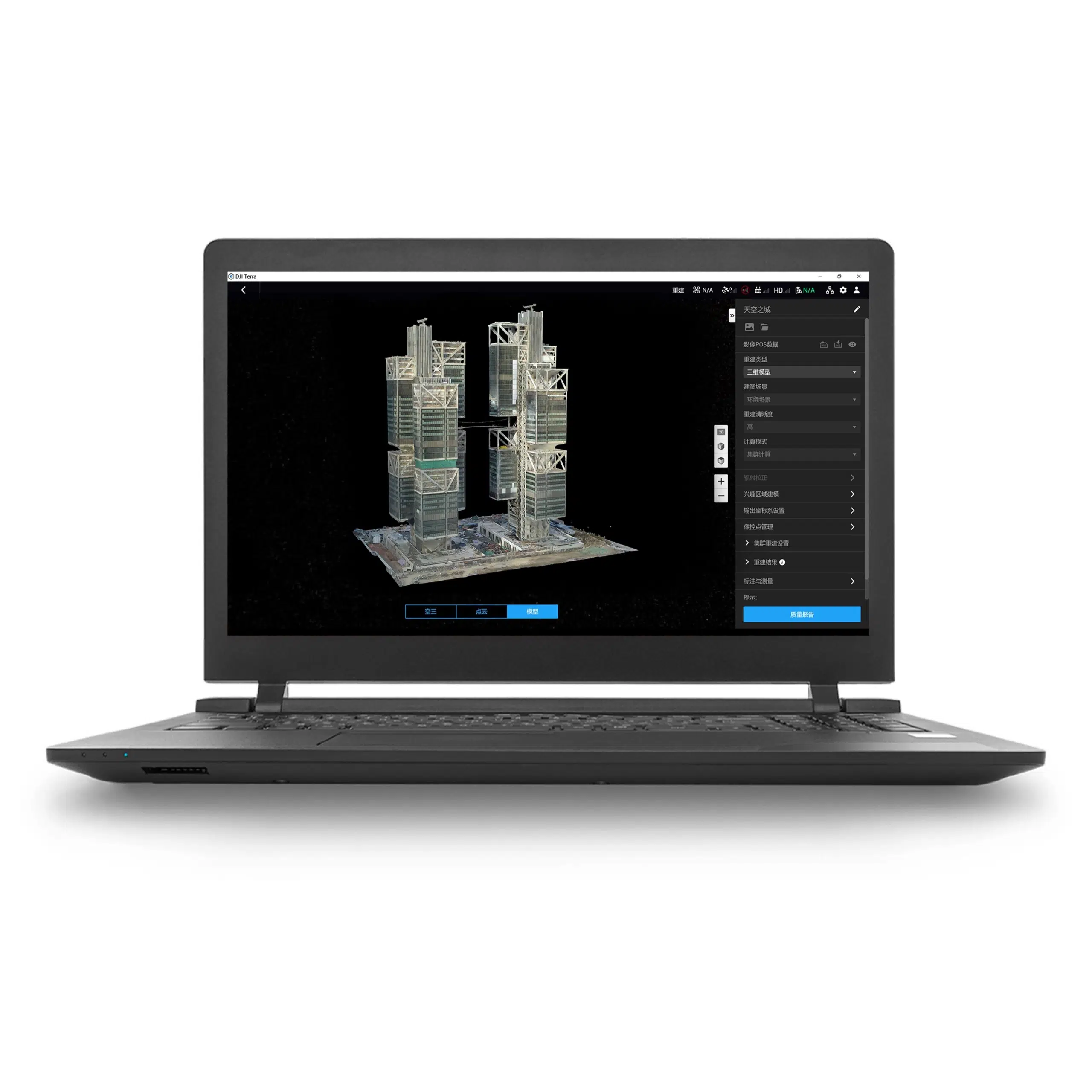


Standard edition · Permanent term · Online license
DJI Terra Standard Permanent: your mapping workstation license
Choose DJI Terra Standard Permanent when your priority is an ongoing mapping and reconstruction workflow on a designated computer. This product is the online, perpetual Standard license supplied by Drone Emotions, an authorized DJI reseller.
Build your purchase around the data you collect, the deliverables your customer needs and the workstation you will use. Read the DJI Terra License Guide if you are comparing Standard, Flagship, annual and offline options.
License details at a glance
| Product | DJI Terra Standard Permanent |
|---|---|
| Edition and term | Standard edition, perpetual entitlement |
| Deployment | Online authorization; an internet connection is required for paid features |
| Device entitlement | One bound workstation; account activation and device binding apply |
| Delivery | Electronic delivery by email |
| Estimated release | 1–2 hours on business days after payment confirmation and receipt of the required details |
| Currency and invoice | USD; invoice provided by Drone Emotions |
| DJI Modify | A separate application; choose an expressly identified bundle if you also need Modify |
The price and applicable tax information are shown in the product purchase area and checkout. See our Terms of Sale for the ordering, payment and delivery conditions.
What you can do with DJI Terra Standard
2D maps
Produce orthophotos and digital surface models from suitable aerial photographs. Useful deliverables include site mapping, project basemaps and visual records of change.
3D mesh reconstruction
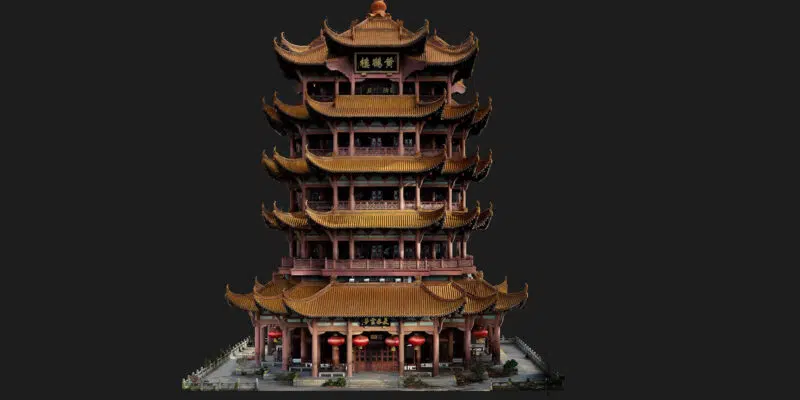
Turn photographs into textured meshes and point clouds for spatial review, site documentation and downstream use in compatible applications.
DJI LiDAR processing
Process supported DJI LiDAR datasets into point clouds and terrain results. Match the sensor and software version to the intended processing workflow.
Multispectral reconstruction
Use compatible multispectral imagery for vegetation-index and reflectance outputs. Plan the capture and field validation around the agricultural question being investigated.
For a wider explanation of processing tools and deliverables, visit DJI Terra Features.
Plan the map before the flight
Define the area, required ground resolution, coordinate reference and intended deliverables before acquisition. A project for visual progress reporting may need a different capture and verification plan from a contractual survey.
Check the expected output with your GIS or CAD team before committing to a workflow. Our Accuracy, GCP & RTK Guide helps you prepare questions about control, independent checks and coordinate references.

Choose the right 3D deliverable
Specify whether the client needs a mesh, a point cloud, measurements or a visual presentation. Agree the file format, required detail and review process early so that reconstruction choices support the final handover.
When should you compare Flagship?
The current DJI license table places Gaussian Splatting and Electricity Application in Flagship rather than Standard. Compare DJI Terra Flagship Permanent if either is essential. For a cluster deployment, ask us to confirm the required setup and entitlements before ordering.
Verify the edition against the official DJI Terra license table.
Prepare the sensor, workstation and account
- Describe the dataset. Tell us your drone or payload, photo count or LiDAR dataset size, and required outputs.
- Review the computer. DJI Terra uses a supported 64-bit Windows environment and NVIDIA graphics. Use the workstation guide below to plan a configuration appropriate to the project.
- Choose the deployment. This listing is the online product. Consider the Standard Permanent Offline license if you need processing without internet access.
- Prepare the account and workstation. Decide which DJI account and computer will receive the license before activation.
- Plan acceptance checks. Define how the results will be reviewed and validated before delivery to the project team.
- System Requirements & WorkstationsPlan RAM, graphics, storage and project capacity.
- Supported Drones & SensorsCheck your equipment and the required software version.
- Installation & Activation GuidePrepare the installer, account and binding steps.
- Accuracy, GCP & RTKReview control and verification for your project.
Order, receive and activate your license
Select the quantity and use the purchase button on this page. Enter your billing details and choose an available payment method. The automated order-confirmation email constitutes acceptance of the order by Drone Emotions.
Your license is released by email after payment confirmation and the necessary order checks. Estimated delivery is 1–2 hours on business days; orders received on non-business days are processed on the next business day. Bank-transfer clearance, incomplete information or license availability can affect this estimate.
Follow the instructions supplied with the license. Keep the order confirmation, invoice and activation message. For a time-critical project, contact us before ordering to agree the delivery arrangements.
See the reconstruction workflow
Watch a short DJI Terra reconstruction demonstration. For longer demonstrations and practical learning resources, visit our DJI Terra Video Tutorials.
Questions about Standard Permanent
Does Permanent mean an annual subscription?
No. This is a perpetual entitlement. If you need a fixed-term purchase, compare Standard 1 Year.
Can I move the license between computers?
Device binding and DJI unbinding rules apply. Ask about a planned hardware change before activation; do not assume unrestricted transfers or simultaneous use.
Are upgrades subject to the old maintenance fee?
DJI states that no upgrade or maintenance fees are required for Terra V5.0.0 and later. Check the official DJI Terra FAQ for the current policy.
Is the installer included?
The purchase supplies the license entitlement. Obtain the software from our Download page or official DJI downloads, then follow the activation instructions.
Can you prepare a company quotation?
Yes. Send the product name, quantity, billing details and any required deadline. Include your sensor and expected outputs if you need help choosing an edition.
Need help confirming the license?
Tell Drone Emotions what you need to process and deliver. We can help you review the product selection and prepare the information needed for a quotation or purchase.
