

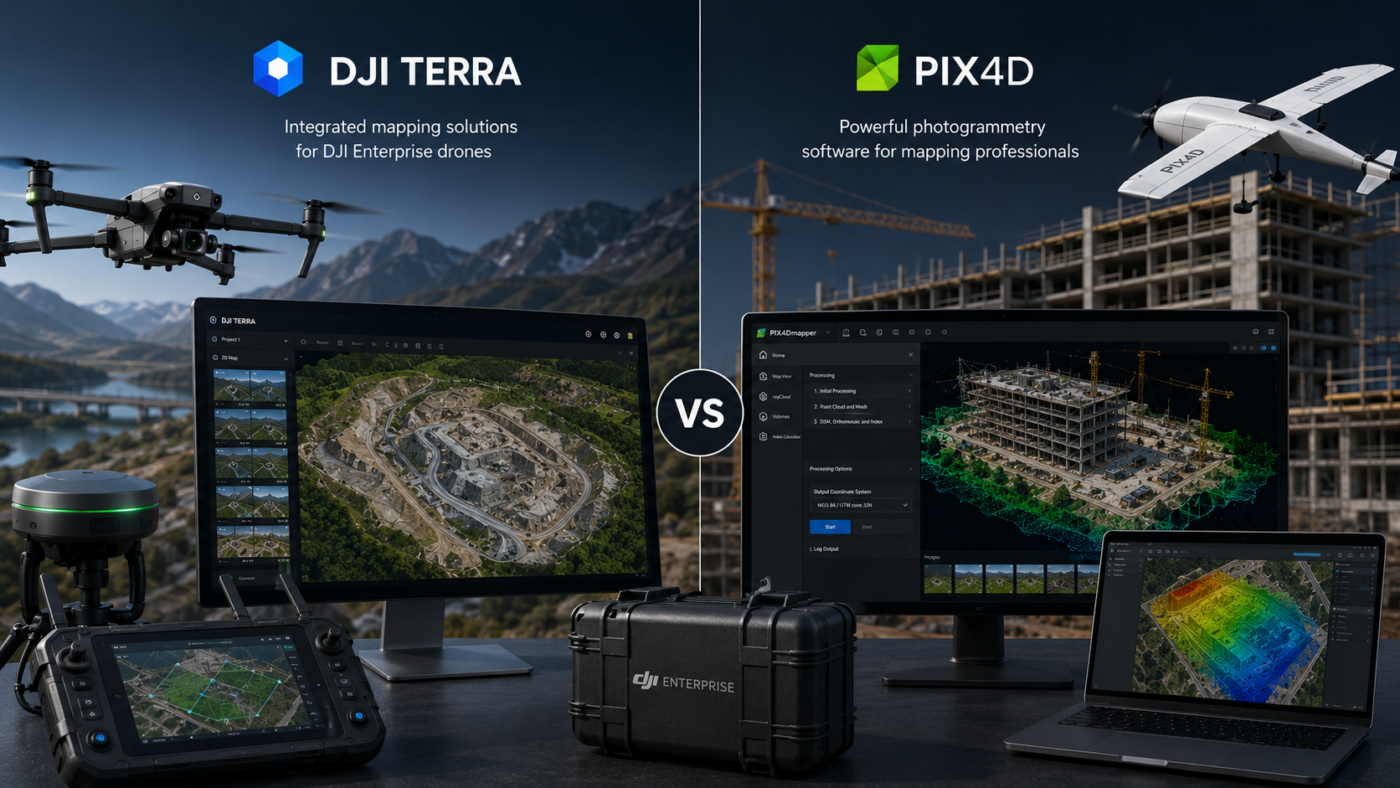
DJI Enterprise drone users often face an important software decision: should they process their mapping projects with DJI Terra or Pix4D? Both platforms are powerful, professional and widely used in drone mapping, surveying, construction, inspection, agriculture and geospatial workflows. However, they are built around different philosophies.
DJI Terra is designed to work closely with DJI Enterprise drones, DJI payloads and DJI LiDAR systems. It offers a more integrated DJI-centered workflow for 2D mapping, 3D reconstruction, LiDAR point cloud processing and advanced visualization technologies such as 3D Gaussian Splatting. For users who already operate DJI hardware, Terra can feel like the natural extension of the drone ecosystem.
Pix4D, on the other hand, is a broader photogrammetry software suite designed for professional drone and terrestrial mapping. It includes different products for different workflows, such as PIX4Dmapper, PIX4Dmatic, PIX4Dsurvey, PIX4Dcloud and other specialized tools. Pix4D is especially strong for users who want a platform-independent workflow, cloud options, CAD/GIS-ready outputs and compatibility with many drones and cameras.
So, which software is the best choice for DJI Enterprise drone users? The answer depends on whether your priority is DJI ecosystem integration or broader photogrammetry flexibility. In this guide, we compare DJI Terra vs Pix4D from the perspective of professional DJI users.
What Is DJI Terra?
DJI Terra is DJI’s professional software for drone mapping, 2D reconstruction, 3D reconstruction, LiDAR point cloud processing and advanced 3D visualization. It is designed to integrate with DJI Enterprise drones and payloads, giving users a more unified workflow from data capture to final output.
DJI describes Terra as 3D modeling software equipped with next-generation reconstruction technologies, including 3D Gaussian Splatting. It supports accurate and efficient 2D and 3D reconstruction from visible-light imagery and can process data collected by DJI LiDAR. When integrated with DJI drones, Terra provides a unified hardware and software workflow for aerial surveying.
For DJI Enterprise users, this is the main advantage: DJI Terra is built for the DJI ecosystem. If your company uses drones such as the Mavic 3 Enterprise series, Matrice platforms, Zenmuse LiDAR payloads or DJI RTK workflows, Terra can simplify processing and reduce workflow fragmentation.
What Is Pix4D?
Pix4D is a professional photogrammetry and drone mapping software suite. It is used to transform aerial, ground and drone images into maps, 3D models, point clouds, DSMs, orthomosaics and CAD/GIS-ready outputs.
Pix4D is not a single product only. It includes multiple tools for different needs. PIX4Dmapper is one of the classic professional photogrammetry solutions for drone mapping. PIX4Dmatic is designed for larger datasets and next-generation drone and terrestrial mapping. PIX4Dsurvey helps bridge the gap between photogrammetry and CAD. PIX4Dcloud supports online processing, progress tracking and site documentation.
For DJI Enterprise users, Pix4D can be attractive because it is not tied only to DJI hardware. If your company uses DJI drones today but may also use other drones, cameras, terrestrial capture tools or mobile scanning workflows, Pix4D can provide a broader software ecosystem.
DJI Terra vs Pix4D: The Core Difference
The core difference between DJI Terra and Pix4D is the workflow philosophy.
DJI Terra is an ecosystem-first solution. It is strongest when used with DJI Enterprise drones, DJI payloads and DJI LiDAR systems. It is designed to keep the workflow inside the DJI environment as much as possible.
Pix4D is a platform-independent photogrammetry suite. It is designed to support professional mapping from different image sources, drones and workflows. It is especially attractive for companies that need flexibility, cloud collaboration, CAD integration or multi-platform processing.
In simple terms: DJI Terra is best when your workflow is centered on DJI hardware. Pix4D is best when your workflow needs broader compatibility and a more modular software ecosystem.
Quick Comparison Table
| Category | DJI Terra | Pix4D |
|---|---|---|
| Main Strength | Integrated workflow with DJI Enterprise drones and payloads | Flexible photogrammetry suite with desktop, cloud and CAD/GIS workflows |
| Best For | DJI-centered mapping, LiDAR and 3D reconstruction | Professional photogrammetry, cloud collaboration, surveying and CAD/GIS deliverables |
| Drone Compatibility | Strongest with DJI drones and DJI sensors | Designed for many drones, cameras and image sources |
| 2D Mapping | Strong for DJI-based orthomosaics and 2D reconstruction | Strong for orthomosaics, DSMs and georeferenced maps |
| 3D Modeling | Strong, with 3D Gaussian Splatting and DJI Reality ecosystem | Strong 3D reconstruction, point clouds and professional outputs |
| LiDAR | Very relevant for DJI LiDAR payload workflows | Depends on selected Pix4D product and workflow |
| Cloud Workflow | More local/software-centered | Strong cloud options through PIX4Dcloud |
| CAD/GIS Workflow | Useful exports for geospatial workflows | Strong CAD/GIS-ready ecosystem, especially with PIX4Dsurvey |
| Learning Curve | Often easier for DJI Enterprise users | More modular, but may require choosing the right Pix4D product |
| Best Choice If… | You want the most integrated DJI workflow | You want broader flexibility, cloud collaboration and CAD/GIS integration |
Which Software Is Better for DJI Enterprise Users?
For users who work only or mainly with DJI Enterprise drones, DJI Terra has a clear advantage in workflow integration. It is designed around DJI data, DJI payloads and DJI professional drone use cases. This can make the software easier to adopt for companies already standardized on DJI hardware.
For example, if your team uses DJI drones for mapping, DJI LiDAR payloads for point cloud generation and DJI RTK workflows for accuracy, Terra can reduce the number of separate tools required. This is especially useful for organizations that want consistency across teams and projects.
Pix4D may be the better choice if your DJI drones are only part of a broader mapping operation. If you also process data from non-DJI drones, handheld cameras, terrestrial mapping devices, mobile capture tools or need specific cloud and CAD workflows, Pix4D may offer more flexibility.
DJI Terra for DJI LiDAR Workflows
One of the strongest reasons for DJI Enterprise users to choose DJI Terra is DJI LiDAR processing. DJI Terra is designed to process data collected by DJI LiDAR systems, making it a natural option for users working with Zenmuse LiDAR payloads.
This is important for applications such as:
- Corridor mapping
- Powerline inspection
- Forestry and vegetation mapping
- Terrain modeling
- Infrastructure inspection
- Quarry and mining surveys
- Complex topographic projects
For these workflows, DJI Terra’s advantage is not only processing capability but integration. When the data capture system and processing software are part of the same ecosystem, the overall workflow can be easier to manage.
Pix4D for CAD and GIS Workflows
Pix4D is particularly strong when the final deliverable must move into CAD, GIS or cloud collaboration platforms. The Pix4D ecosystem includes tools designed to create maps, 3D models, point clouds, DSMs and orthomosaics, but also to bridge photogrammetry outputs with professional design and geospatial workflows.
This is useful for surveyors, engineers, construction teams and mapping companies that need to deliver data to different departments or software environments. For example, a team may process drone images in PIX4Dmatic, extract features in PIX4Dsurvey and share project progress through PIX4Dcloud.
If your business needs a modular photogrammetry ecosystem that extends beyond DJI hardware, Pix4D can be a strong long-term choice.
Which Software Is Better for Orthomosaics?
Both DJI Terra and Pix4D can be used to create orthomosaics. The better choice depends on the context.
DJI Terra can be an excellent choice for orthomosaics generated from DJI Enterprise drone imagery. It is efficient, integrated and increasingly practical for professional workflows. Recent DJI Terra versions also support more modern geospatial output options such as COG GeoTIFF, which can improve usability in downstream GIS environments.
Pix4D is also very strong for orthomosaic production. It is widely used in professional mapping and surveying, and its tools are designed to generate accurate maps, DSMs and orthomosaics from aerial and ground images. Pix4D may be preferable if you need more flexibility across different cameras, drones or project types.
For a DJI-only workflow, DJI Terra may be more straightforward. For a multi-sensor or multi-client mapping workflow, Pix4D may provide more adaptability.
Which Software Is Better for 3D Models?
DJI Terra is becoming very interesting for 3D modeling because of its integration with 3D Gaussian Splatting and the broader DJI ecosystem that includes DJI Modify and DJI Reality. This gives DJI users a more complete path from reconstruction to model editing and visualization.
Pix4D is also strong in 3D reconstruction, especially for photogrammetry-based models, point clouds and professional mapping outputs. Depending on the selected Pix4D product, users can create dense point clouds, textured meshes, DSMs, orthomosaics and outputs for CAD/GIS workflows.
If the priority is DJI ecosystem visualization and 3DGS-style reconstruction, DJI Terra has a strong advantage. If the priority is broader professional photogrammetry and integration with Pix4D’s desktop/cloud/CAD ecosystem, Pix4D is a powerful alternative.
Which Software Is Better for Construction?
Construction is one of the strongest use cases for both DJI Terra and Pix4D.
DJI Terra is useful for construction teams that use DJI drones to capture regular site data and need quick processing into maps, models and visual outputs. It is especially attractive when the team wants an integrated DJI workflow and does not want to manage too many separate software tools.
Pix4D can be very strong for construction companies that need cloud-based progress tracking, collaboration and CAD/GIS-ready deliverables. PIX4Dcloud, for example, is designed for online mapping, progress tracking and site documentation.
Choose DJI Terra for a more DJI-centered local processing workflow. Choose Pix4D if cloud collaboration and broader project sharing are essential.
Which Software Is Better for Surveying?
Surveying requires accuracy, quality control, coordinate systems, reliable outputs and professional deliverables. Both DJI Terra and Pix4D can be used in survey workflows, but their strengths differ.
DJI Terra is a good choice for DJI-based survey workflows, especially when using DJI Enterprise drones, DJI RTK and DJI LiDAR payloads. It can simplify the capture-to-processing pipeline and reduce workflow complexity.
Pix4D is a strong choice for surveyors who need broader photogrammetry options, CAD/GIS workflows, cloud collaboration and specialized tools such as PIX4Dsurvey. It may also be better for teams that work with multiple capture systems and want a more software-agnostic solution.
For DJI-only survey operations, DJI Terra is attractive. For broader survey companies handling many data sources and deliverable types, Pix4D can be more flexible.
Which Software Is Better for Agriculture?
Both platforms can support agriculture-related drone mapping, but the best choice depends on the required outputs and sensors.
DJI Terra can be useful for DJI-based agricultural workflows, especially when using compatible DJI drones and multispectral data. It can help generate maps and analysis outputs depending on license and workflow.
Pix4D has a long history in agricultural mapping through products such as PIX4Dfields, which is designed for crop analysis and agricultural mapping workflows. For users who need agriculture-specific tools, Pix4D may be worth evaluating carefully.
For general DJI agricultural mapping, DJI Terra can be practical. For dedicated agronomic analysis workflows, Pix4D’s specialized agriculture tools may offer advantages.
Pros and Limits of DJI Terra
Main Pros of DJI Terra
- Strong integration with DJI Enterprise drones and payloads
- Efficient workflow for DJI-centered mapping projects
- Good option for DJI LiDAR point cloud processing
- Supports 2D mapping, 3D reconstruction and advanced visualization
- Includes modern technologies such as 3D Gaussian Splatting
- Part of a broader DJI ecosystem with DJI Modify and DJI Reality
- Good choice for teams standardized on DJI hardware
Main Limits of DJI Terra
- Best value is inside the DJI ecosystem
- Less flexible for mixed drone and non-DJI camera workflows
- Licensing options can require careful comparison
- Cloud collaboration is not the main strength compared with Pix4D
- Windows-focused workflow may not suit every organization
Pros and Limits of Pix4D
Main Pros of Pix4D
- Broad photogrammetry software ecosystem
- Works with many drones, cameras and image sources
- Strong CAD/GIS-ready workflow options
- Cloud processing and collaboration available through PIX4Dcloud
- PIX4Dmatic is designed for large datasets and modern mapping workflows
- PIX4Dsurvey helps connect photogrammetry and CAD
- Good option for companies with mixed fleets or varied project types
Main Limits of Pix4D
- Less tightly integrated with DJI hardware than DJI Terra
- Users may need to choose between multiple Pix4D products
- The workflow can be more modular and less “single environment”
- DJI LiDAR users may find DJI Terra more direct for DJI-specific payloads
- Costs can vary depending on selected modules and cloud needs
Best Choice by User Type
| User Type | Recommended Choice | Reason |
|---|---|---|
| DJI-only drone service provider | DJI Terra | More integrated DJI workflow from capture to reconstruction |
| Surveying company with mixed drones | Pix4D | Broader compatibility and CAD/GIS workflow options |
| DJI LiDAR user | DJI Terra | Designed for DJI LiDAR payload processing |
| Construction company needing cloud progress tracking | Pix4D | PIX4Dcloud is designed for online documentation and collaboration |
| Enterprise team standardized on DJI hardware | DJI Terra | Lower workflow friction inside DJI ecosystem |
| Mapping company needing flexible deliverables | Pix4D | More modular ecosystem for different output types |
| 3D visualization and DJI Reality workflow | DJI Terra | Stronger connection with DJI Modify, DJI Reality and 3DGS |
Which One Should DJI Enterprise Users Choose?
If your company is fully invested in DJI Enterprise drones, DJI RTK workflows and DJI LiDAR payloads, DJI Terra is often the most practical first choice. It is designed to reduce friction between data capture and processing, and it is increasingly connected to DJI’s broader 3D mapping ecosystem.
If your company needs broader photogrammetry flexibility, cloud collaboration, CAD/GIS-ready workflows or support for many drone and camera brands, Pix4D may be the better long-term platform. It is particularly strong for organizations that want a modular software ecosystem rather than a single-brand workflow.
For many professional teams, the decision is not simply “DJI Terra or Pix4D forever.” Some companies may use DJI Terra for DJI LiDAR and DJI-specific reconstruction, while using Pix4D for cloud collaboration, CAD/GIS integration or mixed-camera photogrammetry projects.
Final Verdict: DJI Terra vs Pix4D
DJI Terra and Pix4D are both strong choices for drone mapping, but they are optimized for different professional needs.
DJI Terra is the best choice for DJI Enterprise drone users who want maximum integration with DJI hardware, DJI LiDAR, DJI reconstruction workflows and DJI’s growing 3D ecosystem. It is especially suitable for teams that want an efficient, standardized workflow centered on DJI drones.
Pix4D is the better choice for users who need broader compatibility, cloud collaboration, CAD/GIS-ready workflows and a flexible photogrammetry suite that can handle many different project types and data sources.
In short: choose DJI Terra if your priority is DJI ecosystem efficiency. Choose Pix4D if your priority is flexibility, collaboration and a broader mapping software ecosystem.
Need help choosing between DJI Terra and Pix4D? Contact our team for professional guidance. We can help you compare DJI Terra Standard, Flagship, Agriculture, Cluster, DJI Modify and Pix4D alternatives based on your drone model, project type, LiDAR needs, mapping workflow and required outputs.
FAQ: DJI Terra vs Pix4D
Is DJI Terra better than Pix4D for DJI Enterprise drones?
DJI Terra can be better for DJI Enterprise users who want the most integrated workflow with DJI drones, DJI payloads and DJI LiDAR systems. Pix4D can be better if broader compatibility, cloud collaboration or CAD/GIS workflows are more important.
Can Pix4D process images from DJI drones?
Yes. Pix4D software can process aerial images from many drones and cameras, including DJI drones, depending on the product and workflow.
Can DJI Terra process LiDAR data?
Yes. DJI Terra can process data collected by DJI LiDAR systems, making it a strong option for users working with DJI LiDAR payloads in surveying, forestry, infrastructure and terrain mapping.
Which software is better for orthomosaics?
Both DJI Terra and Pix4D can create orthomosaics. DJI Terra is very practical for DJI-based workflows, while Pix4D offers broader photogrammetry flexibility and professional mapping tools.
Which software is better for construction monitoring?
DJI Terra is strong for DJI-centered local processing and 3D reconstruction. Pix4D may be stronger if cloud progress tracking, collaboration and online site documentation are key requirements.
Which software is better for surveying?
DJI Terra is strong for DJI-based surveying workflows, especially with DJI RTK and LiDAR. Pix4D is strong for surveyors who need broader compatibility, CAD/GIS-ready workflows and modular tools such as PIX4Dsurvey.
Does DJI Terra support 3D Gaussian Splatting?
Yes. DJI describes DJI Terra as 3D modeling software equipped with next-generation reconstruction technologies, including 3D Gaussian Splatting.
Is Pix4D better for mixed drone fleets?
Yes, Pix4D is usually more suitable for companies using different drones, cameras and capture systems because it is not tied to a single hardware ecosystem.
Can DJI Terra and Pix4D be used together?
Yes. Some professional teams may use DJI Terra for DJI-specific LiDAR and reconstruction workflows, and Pix4D for cloud collaboration, CAD/GIS workflows or projects involving non-DJI data sources.
Which software should I buy first?
If you only use DJI Enterprise drones and want the most integrated workflow, start with DJI Terra. If you need broader compatibility, cloud sharing and CAD/GIS-ready workflows, evaluate Pix4D first.


