

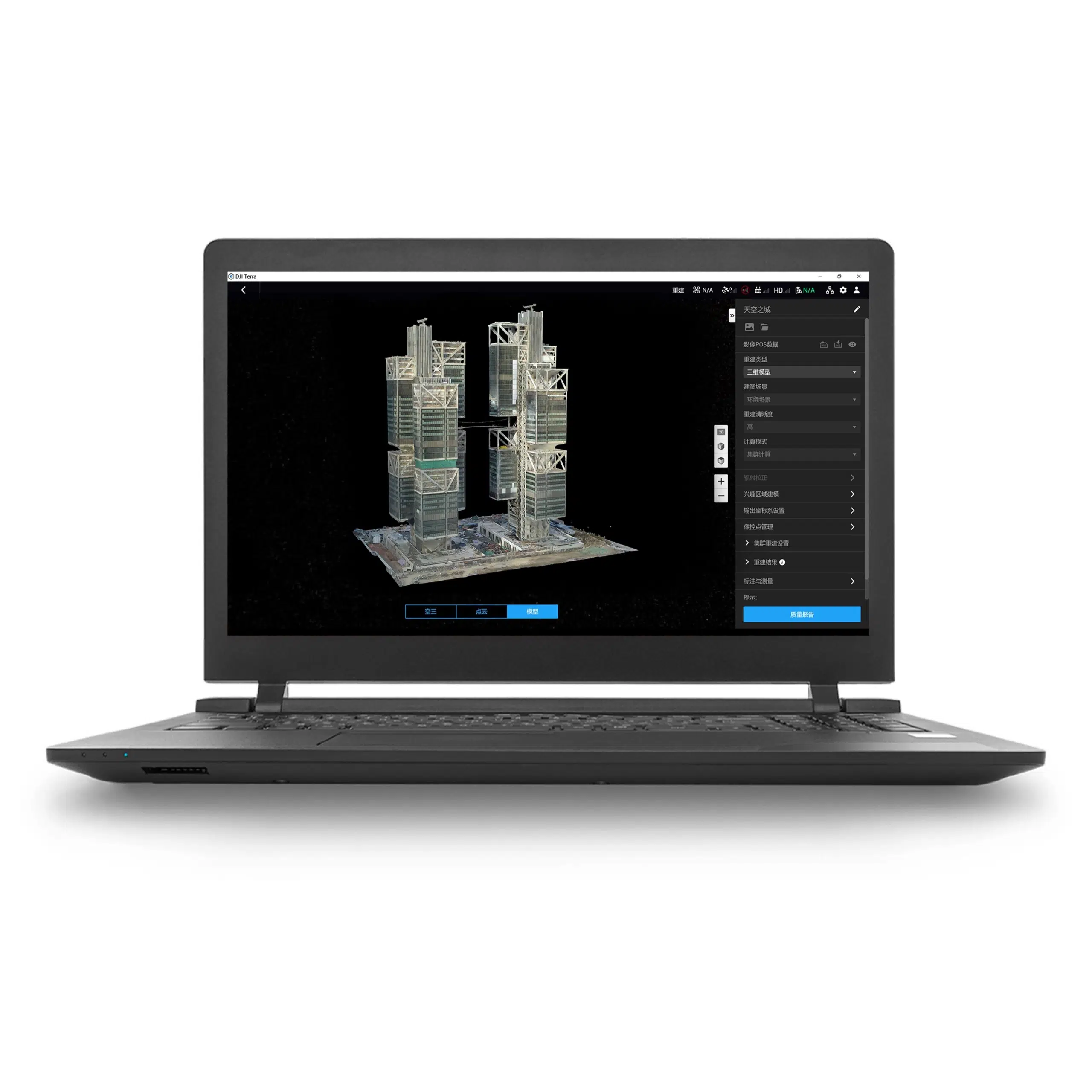


Standard edition · Permanent term · Offline license
DJI Terra Standard Permanent Offline: a dedicated license for recurring mapping work
DJI Terra Standard Permanent Offline combines a perpetual Standard entitlement with offline authorization on a designated workstation. It is designed for teams that expect recurring reconstruction projects and need paid processing without a continuous internet connection.
Choose the product around your datasets, required outputs and deployment environment. Plan the workstation before authorization and compare the available terms in our DJI Terra License Guide.
What this product includes
| Product | DJI Terra Standard Permanent Offline |
|---|---|
| Edition and term | Standard edition; perpetual entitlement |
| Authorization | Offline license, bound to the designated workstation |
| Processing connection | Paid features can be used without internet after authorization |
| Device entitlement | One computer; the authorization is linked to its hardware |
| License setup | Generate a request file, complete DJI’s exchange procedure and import the returned authorization file |
| Delivery | Electronic delivery of license information by email |
| Estimated release | 1–2 hours on business days after payment confirmation and receipt of the required details |
| Currency and invoice | USD; invoice supplied by Drone Emotions |
| DJI Modify | Separate software; this listing is for DJI Terra Standard |
Refer to the product purchase area and checkout for current pricing and applicable taxes. Read our Terms of Sale for order, payment and delivery conditions.
Why choose a permanent offline entitlement?
Recurring projects
Consider this term when mapping is an ongoing service rather than a single project. Include repeat surveys, client revisions and future datasets in your purchasing decision.
A designated processing workstation
Prepare a computer for the workload and keep a record of its licensing and installation details. Agree ownership of the deployment with your project and IT teams.
A perpetual entitlement has no annual license-term expiry. Device-binding rules, supported configurations and the features of the purchased edition still apply. If you need a defined project term instead, compare Standard 1 Year Offline.
Prepare offline authorization before production work
DJI’s offline process uses an online license-exchange portal. If the processing computer must remain disconnected, arrange a connected computer and an approved transfer method for the required files.
- Finalize the workstation. Complete the hardware configuration and install Terra and the required licensing components following the supplied instructions.
- Generate the request on that computer. Create the .WibuCmRaC file for the workstation that will use the license.
- Complete the license exchange. Provide the request file, exchange code and required email details through DJI’s procedure.
- Apply the returned authorization. Import it on the same workstation that generated the request.
- Run an acceptance dataset. Verify that your chosen workflow and deliverables work before scheduling full production.
Read our Installation & Activation Guide and follow the instructions delivered with the product. DJI’s official Terra FAQ provides the authorization reference.
Plan hardware changes with care
DJI states that replacing hardware after offline binding can invalidate the license. Complete upgrades before creating the request and contact us before subsequent repairs or workstation replacement. Keep the licensing correspondence available to the person responsible for the computer.
Reconstruction capabilities in Standard
2D maps
Generate orthophotos and digital surface models from suitable aerial photographs. Prepare outputs for site basemaps, repeat surveys or review in compatible GIS applications.
3D meshes and point clouds
Reconstruct textured meshes and photogrammetric point clouds. Define the required detail and handover format with the team receiving the results.
DJI LiDAR processing
Process supported DJI LiDAR datasets into point clouds and terrain results. Verify the payload and required Terra version before acquisition.
Multispectral reconstruction
Process compatible multispectral imagery for reflectance and vegetation-index outputs. Prepare capture and field validation around the agricultural question.
Explore our DJI Terra Features page for more workflow information. The accuracy of a project depends on acquisition, control and verification as well as processing.
Make repeat mapping easier to review
For recurring surveys, record the acquisition plan, coordinate reference, control data and processing choices for each visit. Keep the original dataset and the delivered results clearly separated so that later revisions can be traced.
Agree how the survey will be verified before reconstruction. Use our Accuracy, GCP & RTK Guide to prepare questions about ground control, independent checks and coordinate references.

Define the 3D deliverable before reconstruction
Confirm whether the recipient needs a mesh, point cloud or another supported output. Test the handover in the intended downstream application and agree the required level of detail before processing a large dataset.
When should you compare Flagship?
DJI lists Gaussian Splatting and Electricity Application in Flagship rather than Standard. Compare Flagship Permanent Offline if these are required. Confirm the setup and entitlements separately for any planned cluster deployment.
Review the official DJI Terra license comparison before selecting your edition.
Check the deployment before purchase
Identify the equipment, expected dataset size and final outputs. Confirm installation permissions, file-transfer procedures and backup arrangements with your IT team. Offline authorization alone does not establish a complete security policy.
- System Requirements & WorkstationsPlan RAM, NVIDIA graphics and project storage.
- Supported Drones & SensorsCheck payload and software compatibility.
- Installation & Activation GuidePrepare the request and authorization files.
- Accuracy, GCP & RTKReview control and independent verification.
Would online authorization suit you better?
Compare Standard Permanent Online if the workstation can maintain a stable internet connection for paid processing. Make this decision before ordering.
Purchase and electronic delivery
Choose the quantity, use the purchase button on this page and complete the billing information. Select an available payment method. The automated order-confirmation email constitutes acceptance of the order by Drone Emotions.
Estimated delivery of the license information is 1–2 hours on business days after payment confirmation and receipt of the required details. Orders received on non-business days are processed on the next business day. Payment clearance, incomplete details or availability can affect this estimate.
Allow time for installation, offline authorization and your acceptance test. Keep the invoice and licensing messages. Contact us before purchase if deployment must meet a fixed deadline.
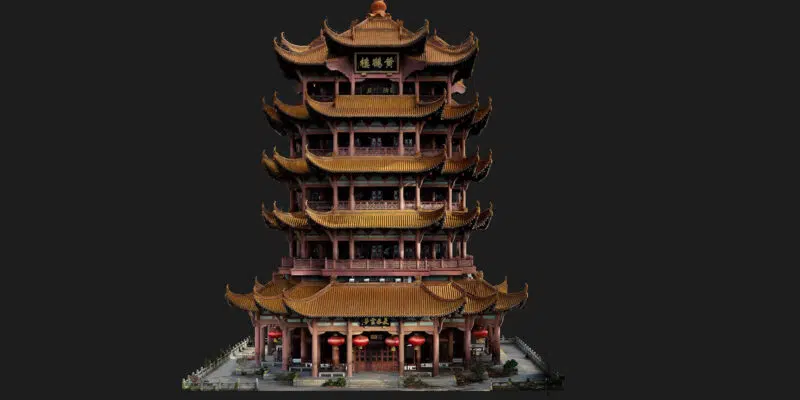
See a DJI Terra reconstruction example
Watch this short reconstruction demonstration. Visit our DJI Terra Video Tutorials for additional learning resources.
Questions about Standard Permanent Offline
Does Permanent mean a one-year license?
No. This is a perpetual entitlement. The one-year offline product is a separate listing.
Can I process without internet?
Yes, after offline authorization. Arrange online access for the license exchange and a permitted way to transfer the files to the processing workstation.
Can I move the license freely between computers?
It is bound to the designated computer’s hardware. Ask about planned changes or transfers before acting; do not assume unrestricted portability.
Does the old maintenance-fee policy still apply?
DJI states that no upgrade or maintenance fees are required for Terra V5.0.0 and later. Refer to the official Terra FAQ for the current policy.
Are internet-dependent services available offline?
Offline authorization does not provide online connectivity. DJI lists map loading and location search among the functions unavailable in Offline Mode.
Where can I download the installer?
Use our DJI Terra Download page or the official DJI downloads. Follow the supplied offline authorization instructions after installation.
Confirm your permanent offline deployment
Tell us your drone or sensor, expected workload, required outputs and workstation configuration. Include connectivity restrictions and the required start date so we can help you confirm the product or prepare a company quotation.
